Image Resizer
Resize photos by percentage, by width, or to exact pixel dimensions.
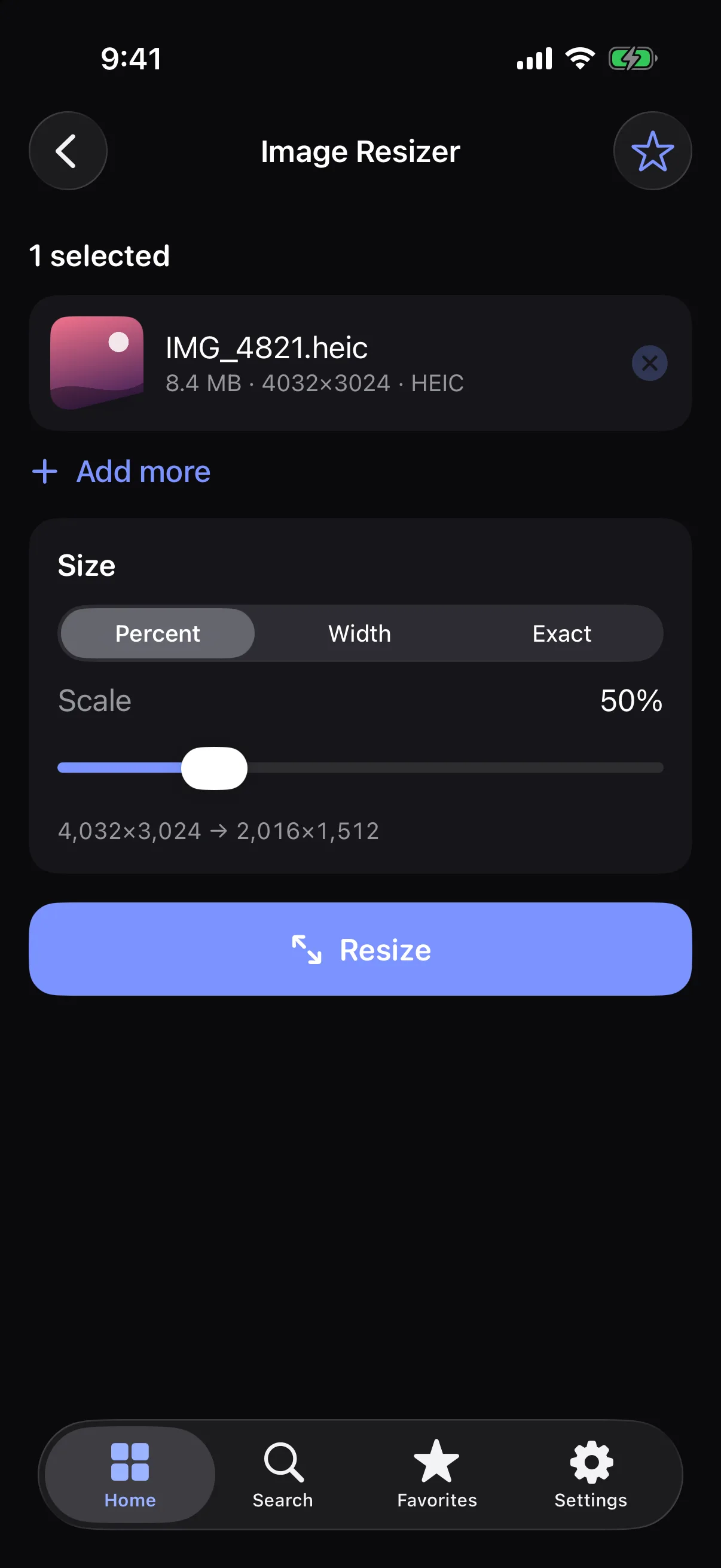
How it works
- 1
Choose an image.
- 2
Pick percent, width or exact size.
- 3
Save the resized copy.
Highlights
- Percent, width-only or exact dimensions
- Keeps aspect ratio automatically in width mode
- Live before/after dimensions
- Original is never modified
Supported formats
- Input
- JPG, PNG, HEIC and other photo formats your device supports
- Output
- Same format as the original where possible (JPG, PNG, or HEIC)
Processed on your device — your files aren’t uploaded.
FAQ
Is the original changed?
No. You always get a new copy; your original stays as it was.
How large can I go?
Up to 20,000 pixels on either side.
Related tools
Get Image Resizer — and 22 more tools.
One app for your everyday file tasks. Free to try.