Monthly
$4.99/ month
Cancel anytime
23 everyday tools · iPhone, iPad & Android
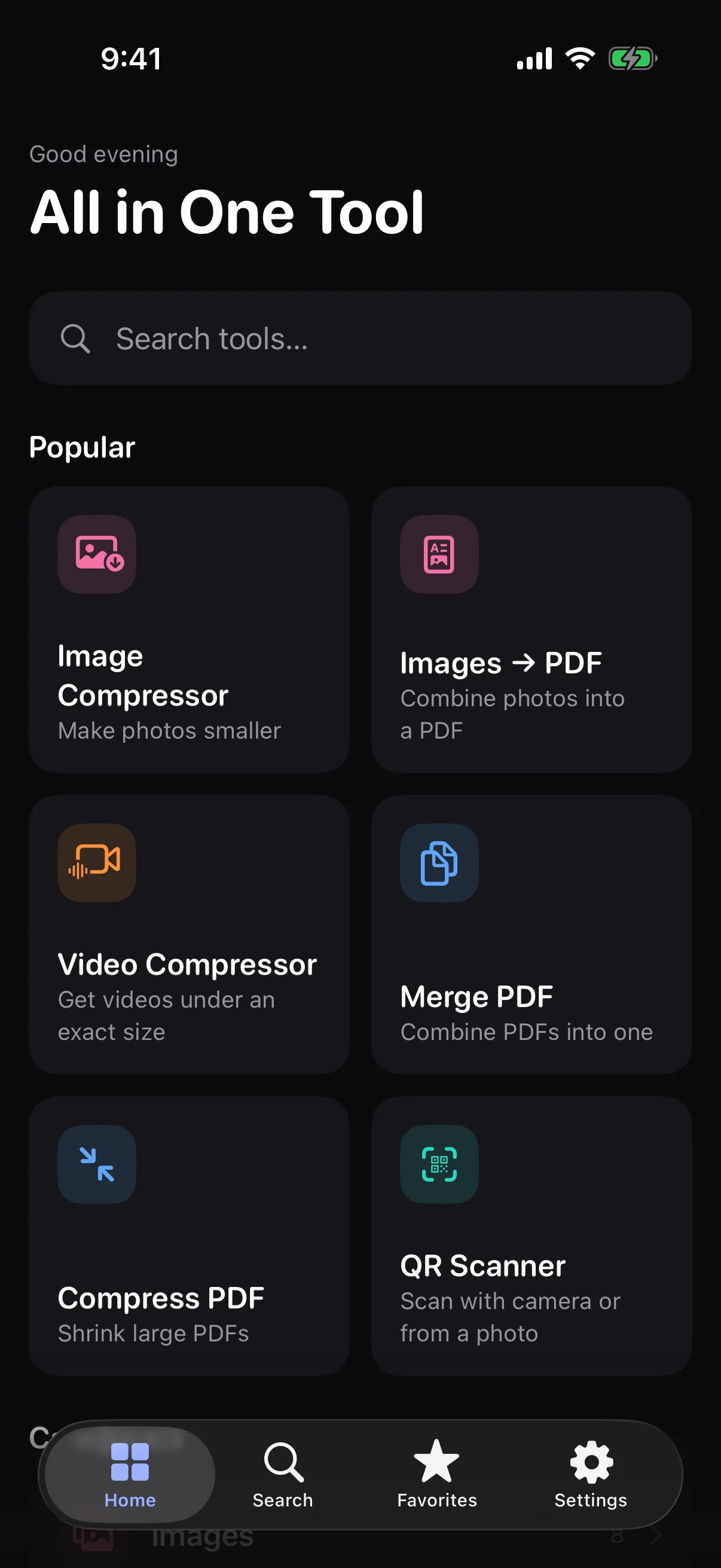
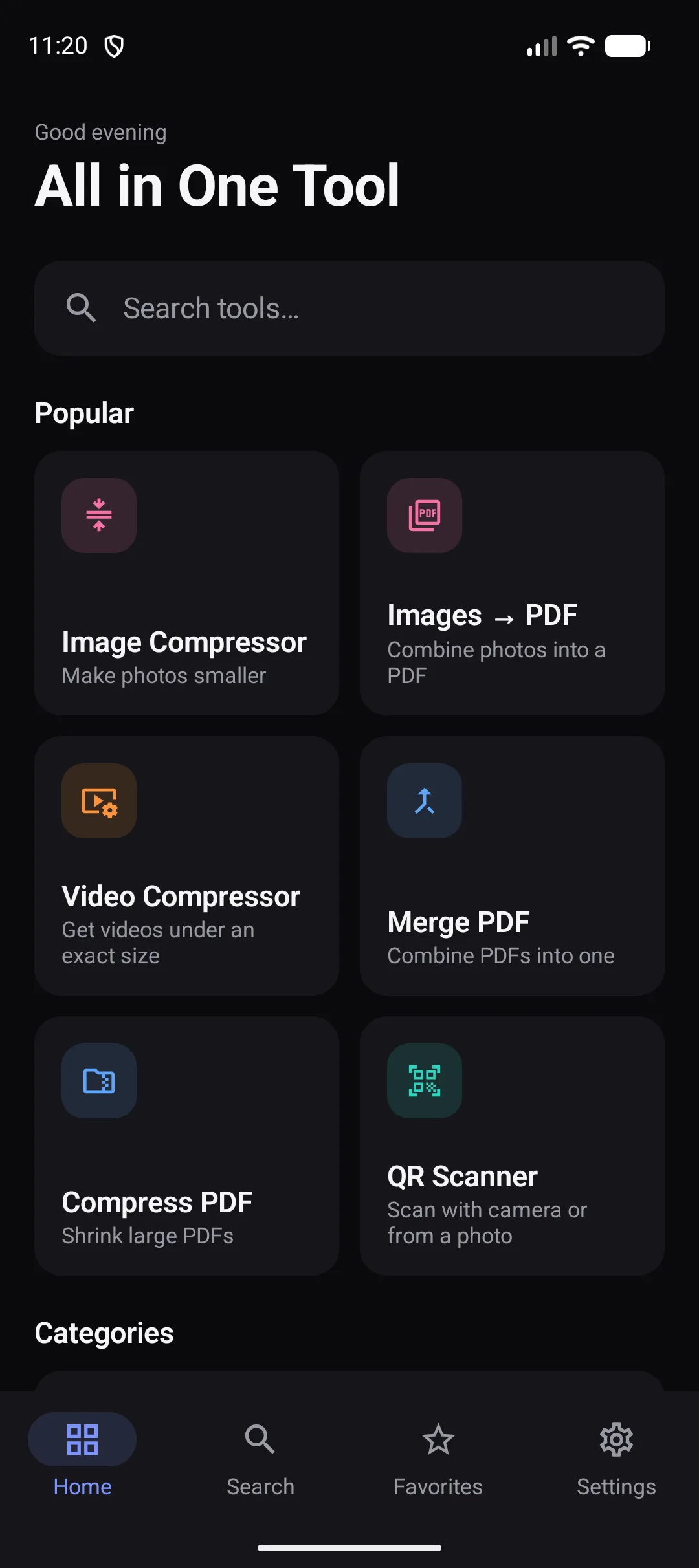
Compress, convert, scan, edit and organize your files with a powerful collection of everyday tools — all in one beautifully designed app.
Free to use · Your files stay on your device
The problem
There is a simpler way.
All the tools
Everything is free to try. Some tools have extra options in Pro.
Showing all 23 tools
No tools match that search. Try “pdf”, “video” or “image”.
Video
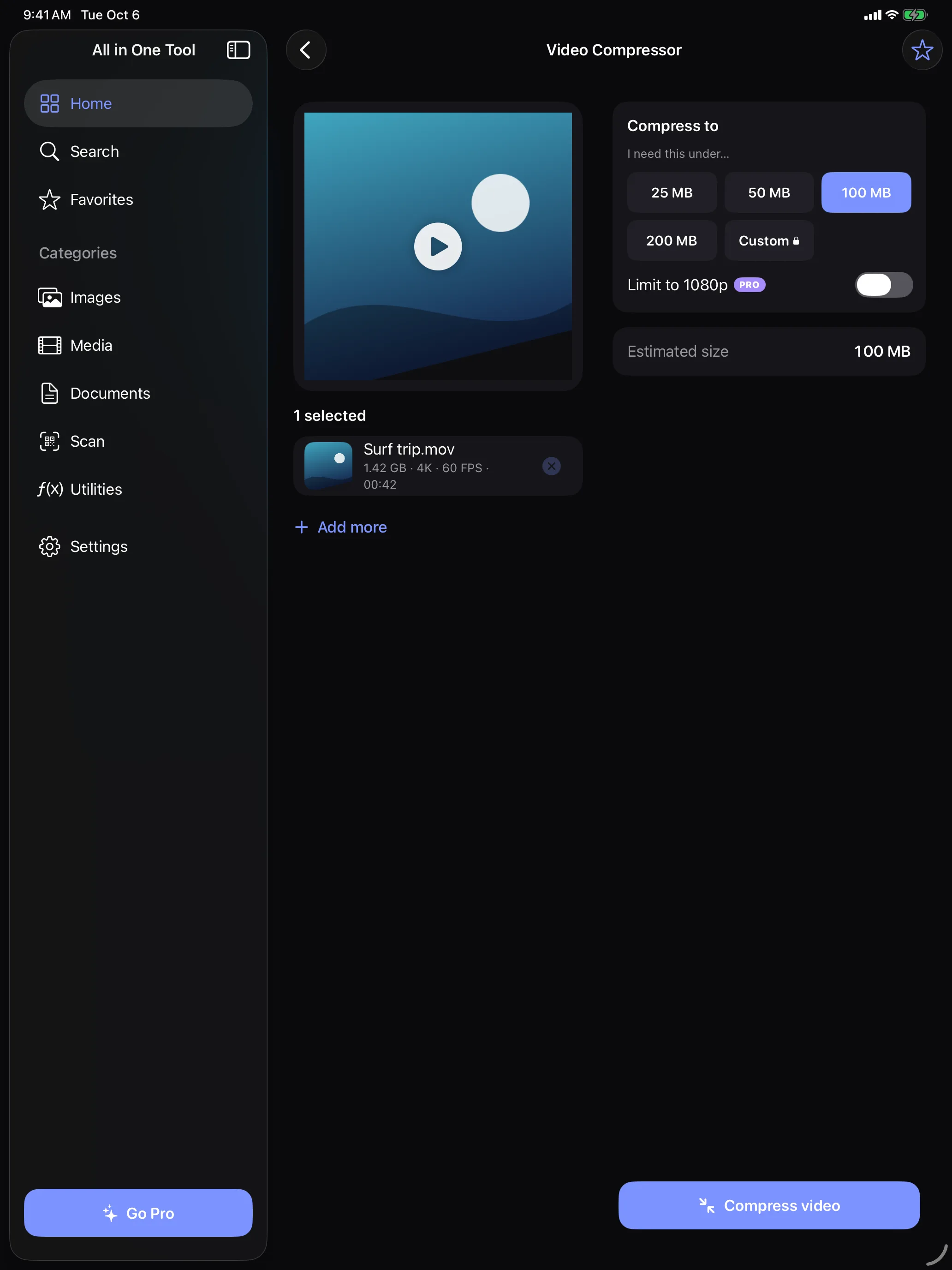
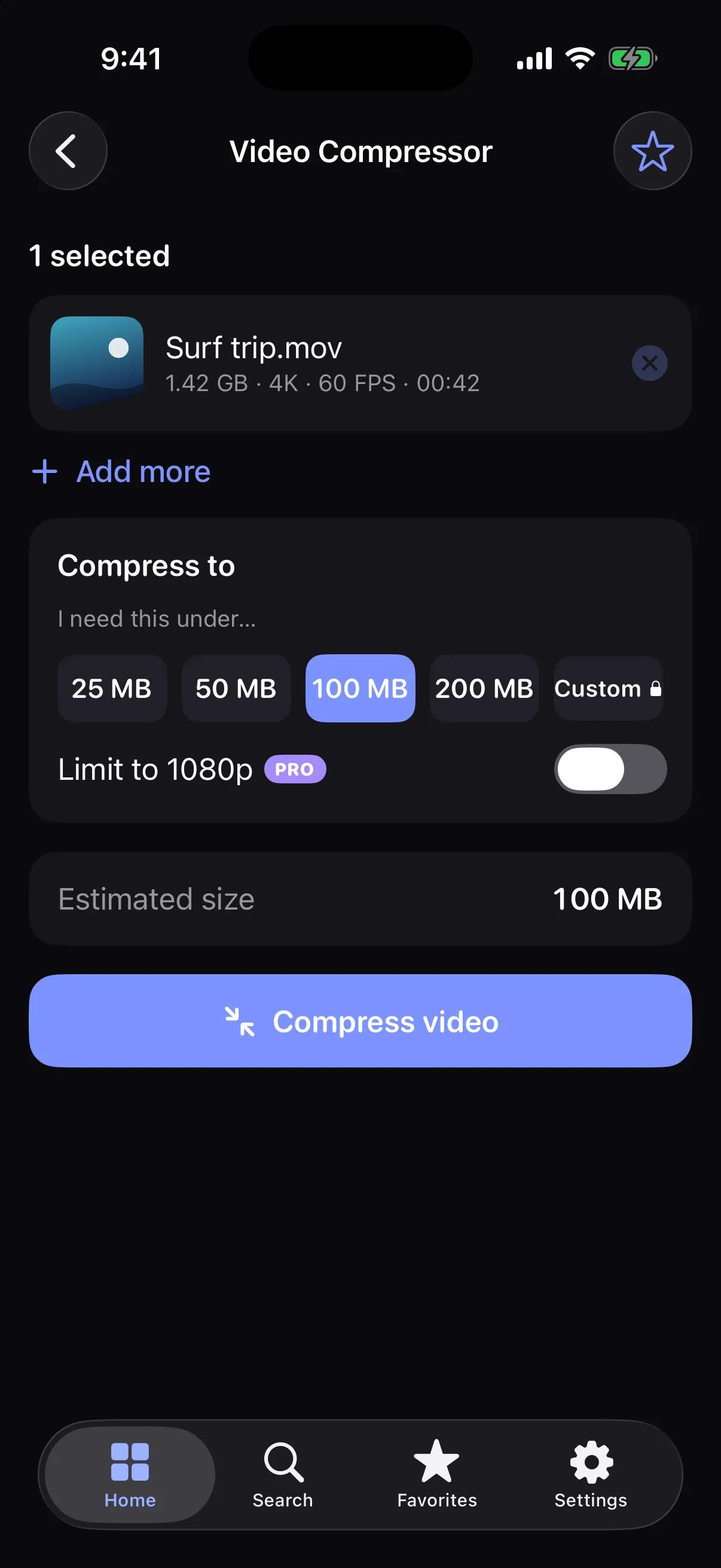
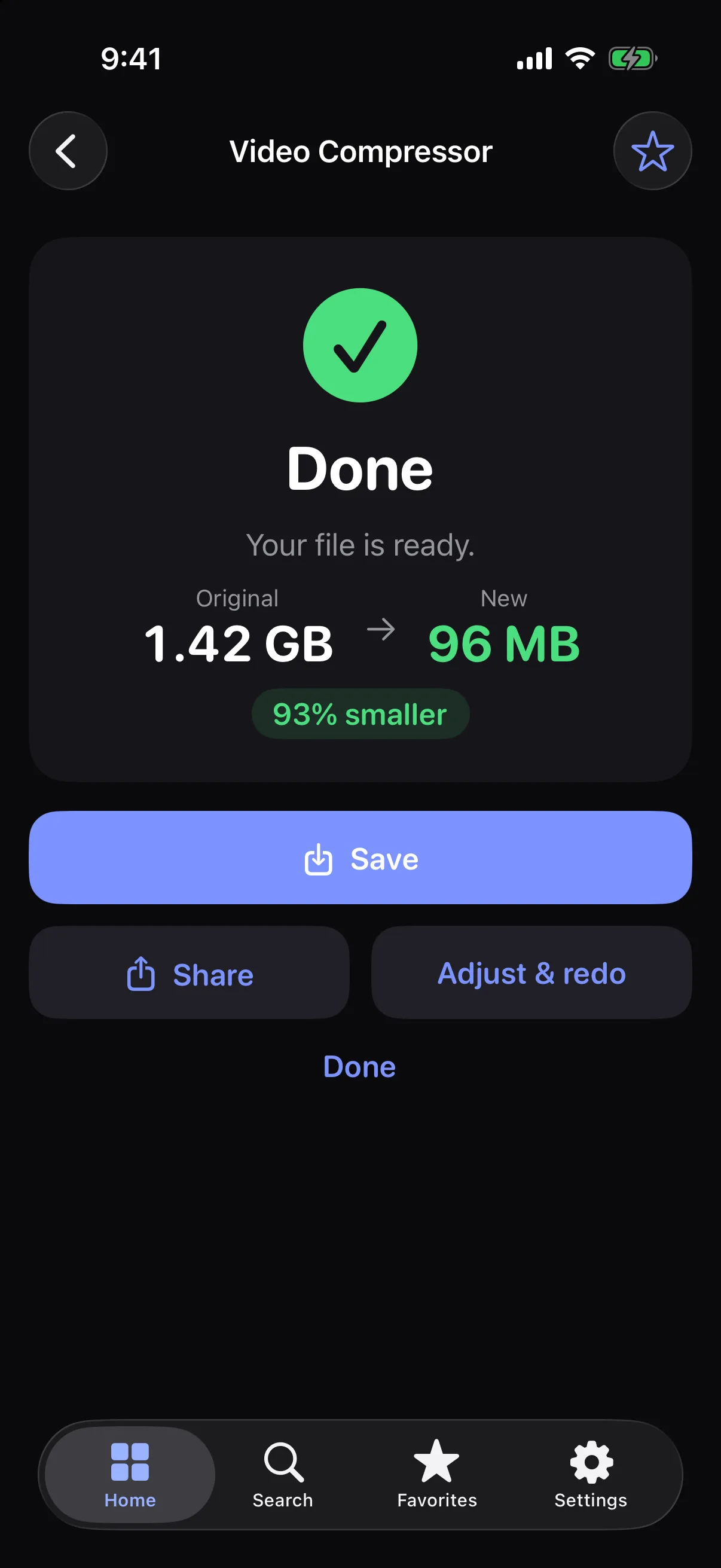
Compress large videos without the usual hassle. Choose a target size, see the estimate, and let All in One Tool handle the rest.
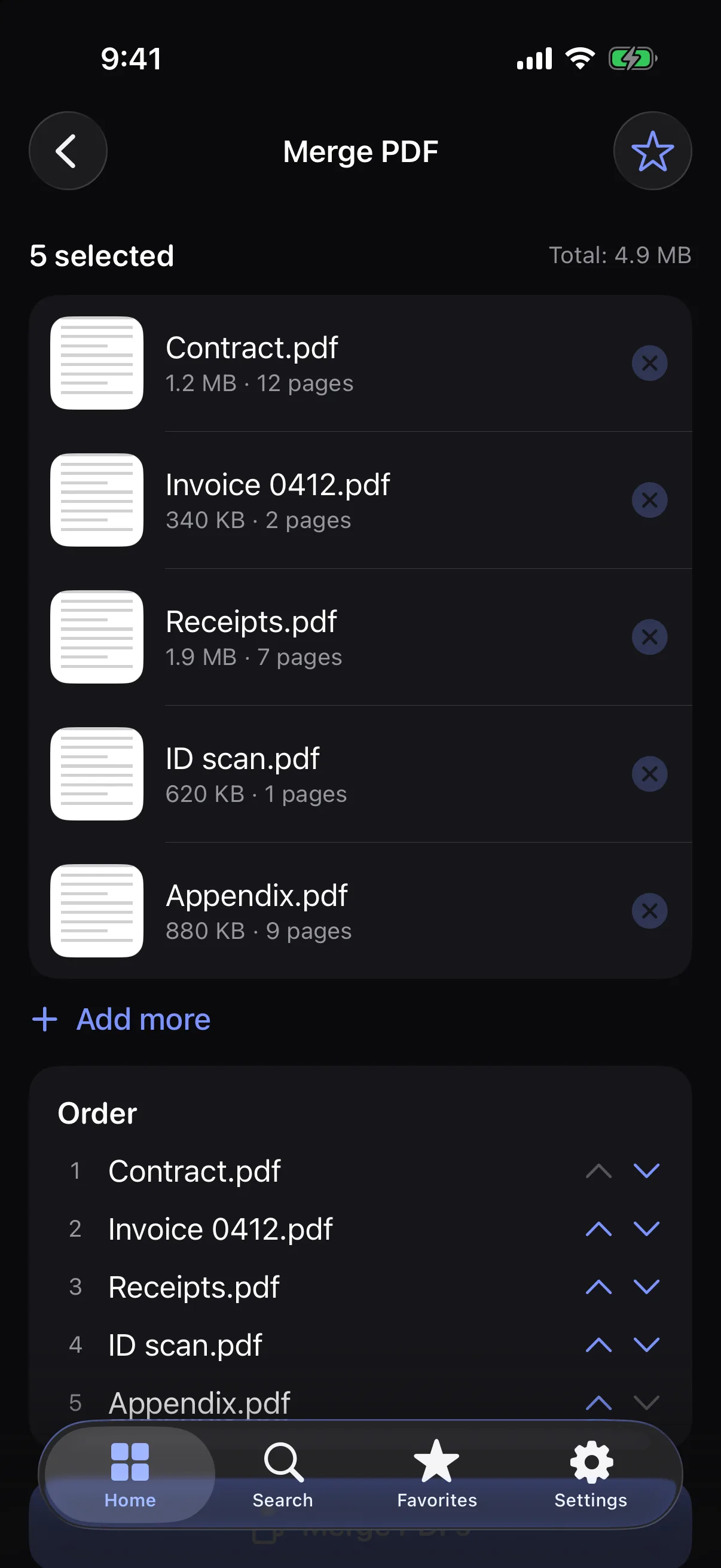
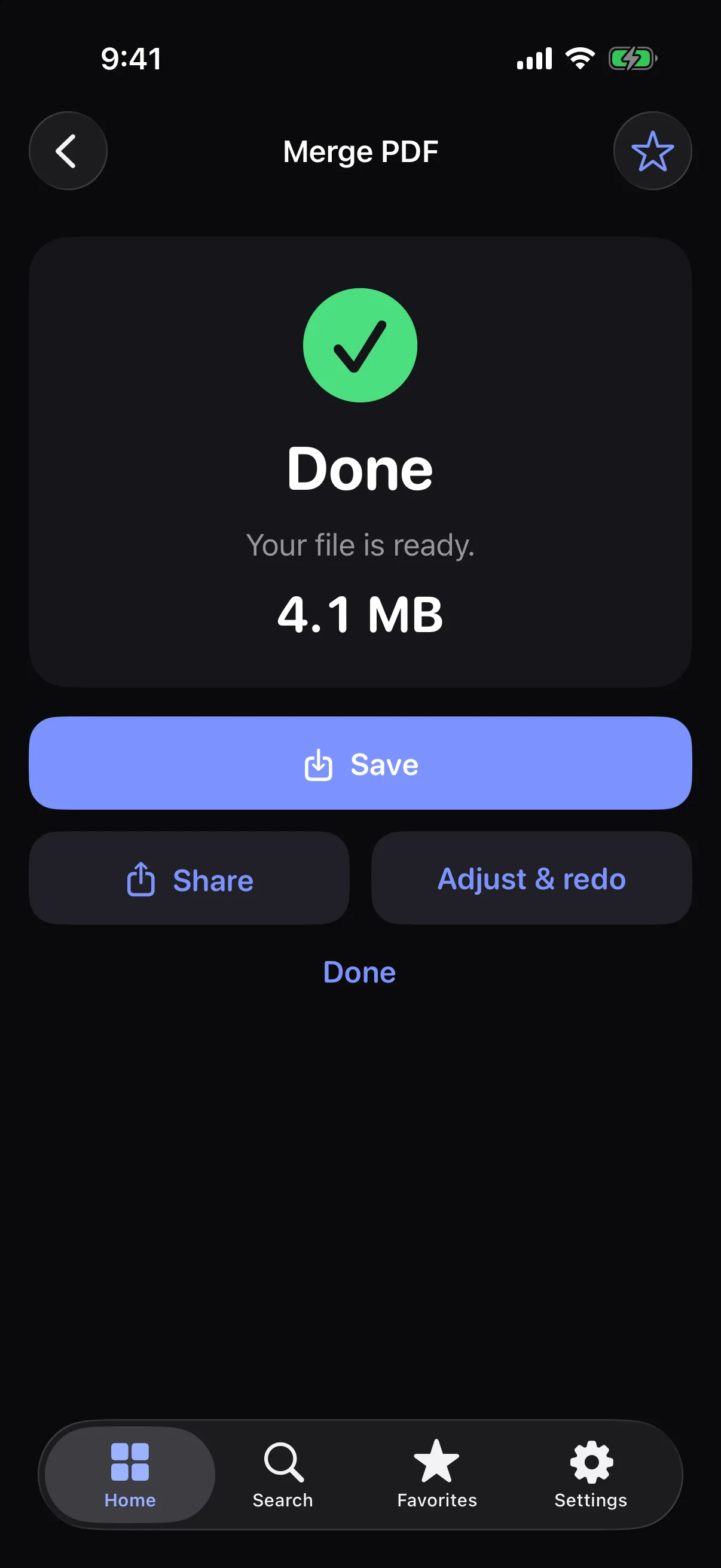
Merge, split, compress, convert and rotate PDFs in seconds — right on your device.
Images
Resize, compress, convert and clean the metadata from your photos — then save or share them straight away.
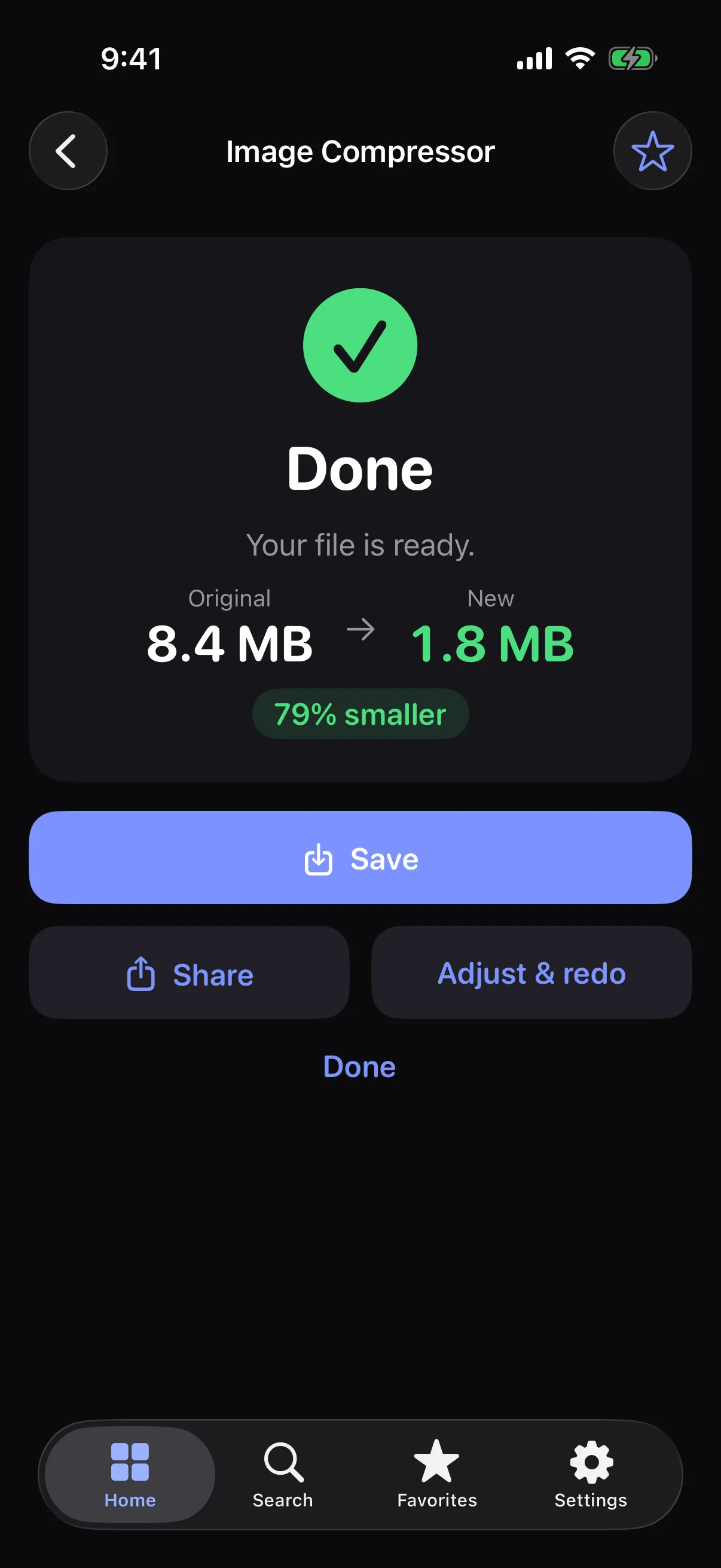
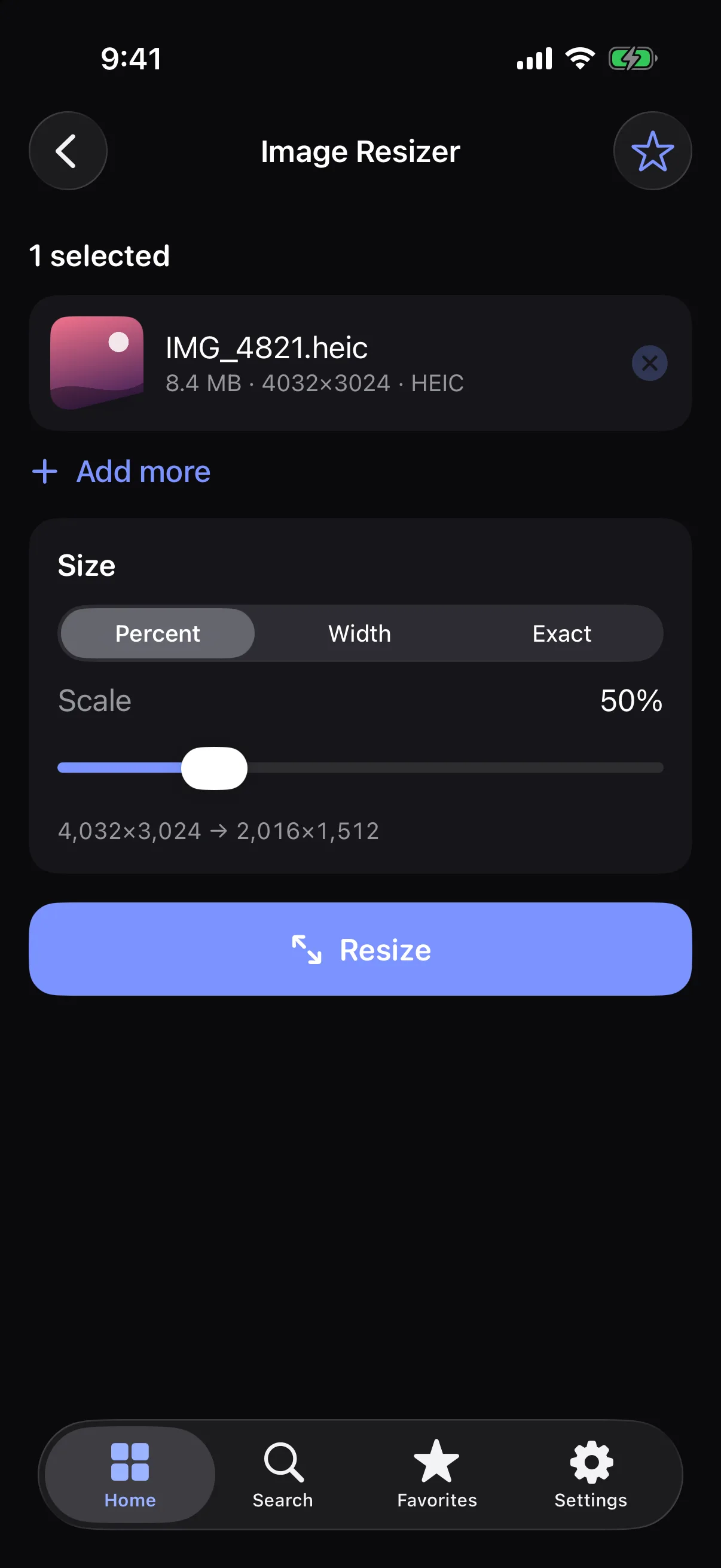
Scan
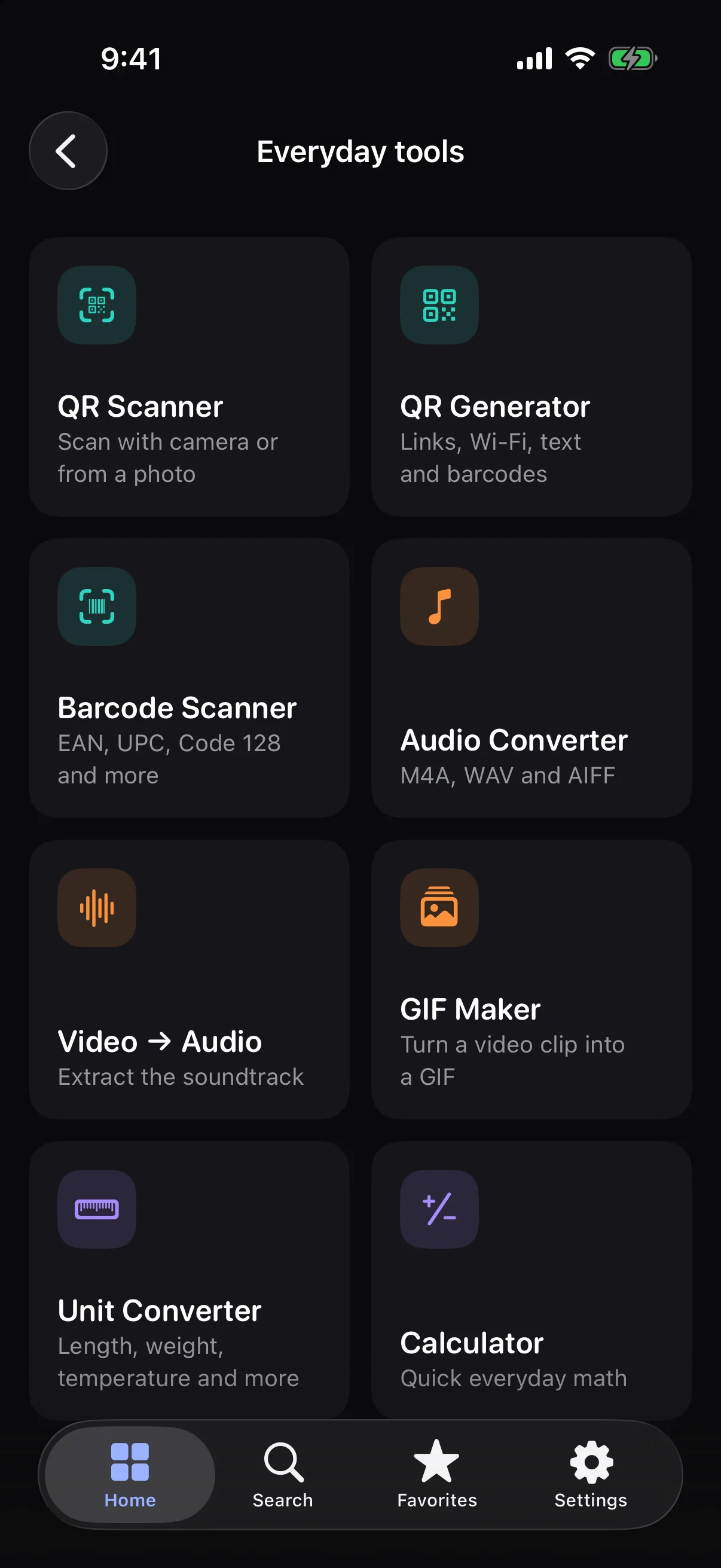
Scan QR codes and barcodes with your camera or from a photo, and create your own codes in a few taps.
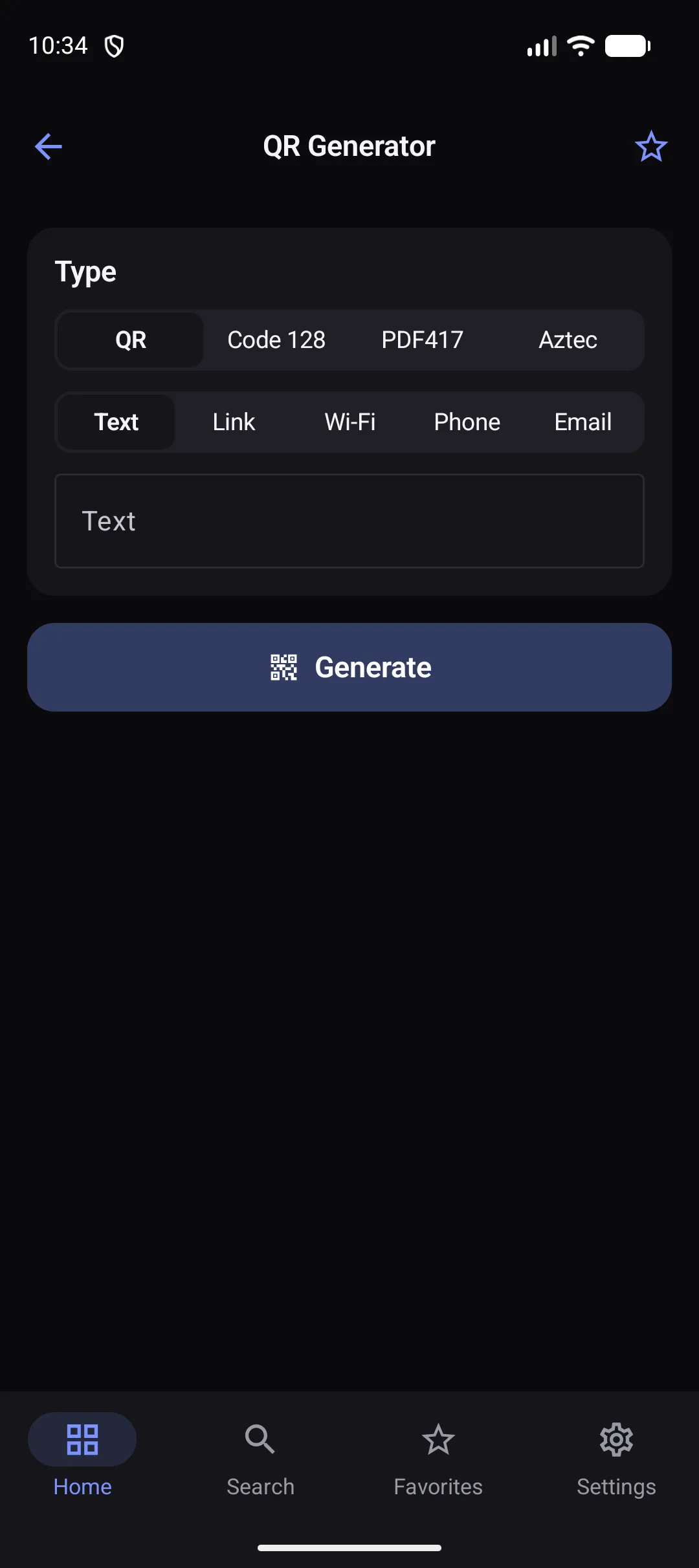
BatchPRO
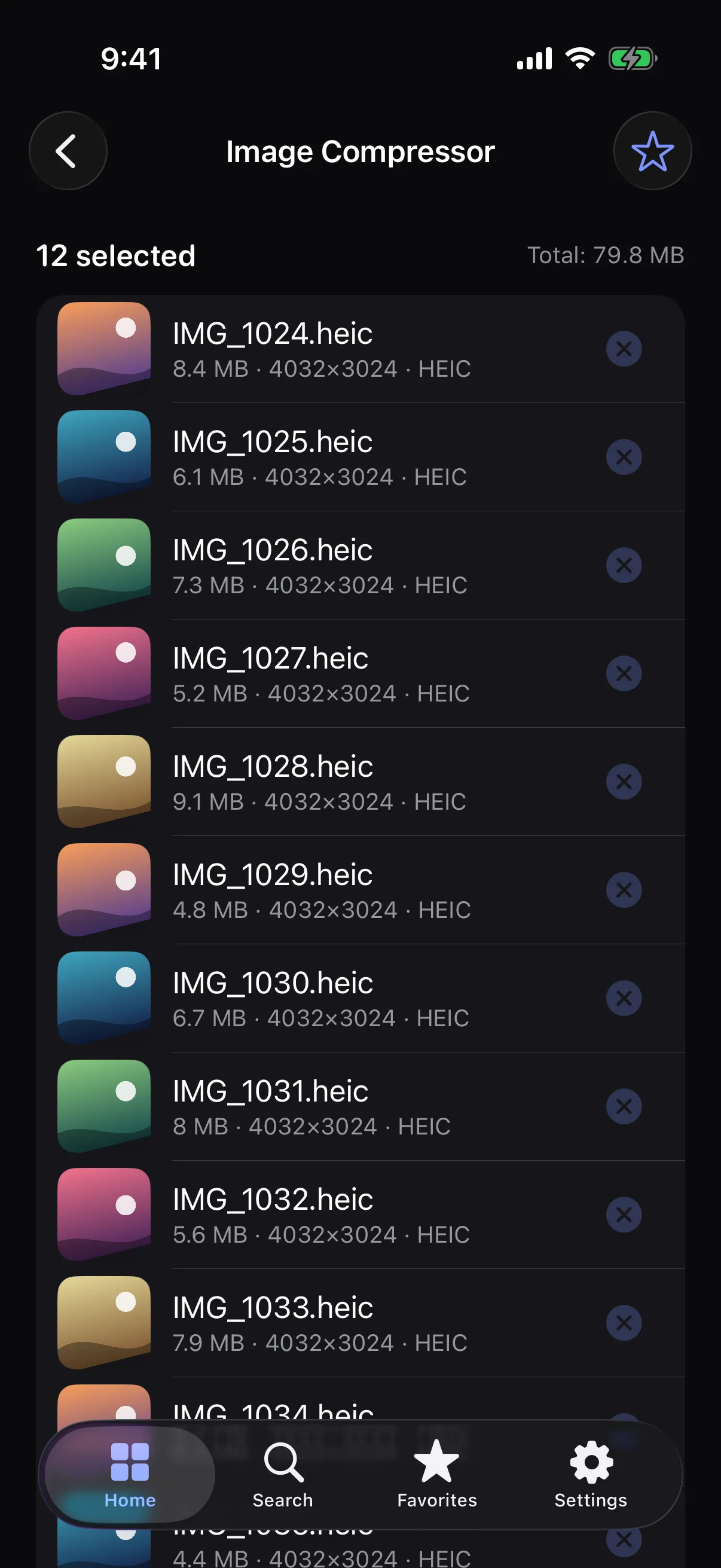
Stop repeating the same action one file at a time. Select a stack of files, run them as a queue, and watch every one of them finish.
Privacy
All in One Tool is built around an on-device approach. Your files don’t need to leave your phone or tablet for everyday processing.
To be upfront: the free version shows ads from Google AdMob, which may collect device and usage information depending on your consent choices — it never receives your files. Pro removes ads. Read the privacy policy.
Compressing, converting, merging and scanning all happen locally.
Your files are never uploaded to us. There’s no account to create.
Everyday tools work without a connection.
All in One Tool Pro
Get more from every tool with Pro. Every tool is free to try — Pro removes the limits.
$4.99/ month
Cancel anytime
$29.99/ year
About $2.50 a month
$59.99once
Pay once, keep Pro
Prices are examples in USD and vary by region. You’ll see the exact price in your store before you buy. Restore a purchase any time from Settings.
iPhone · iPad · Android
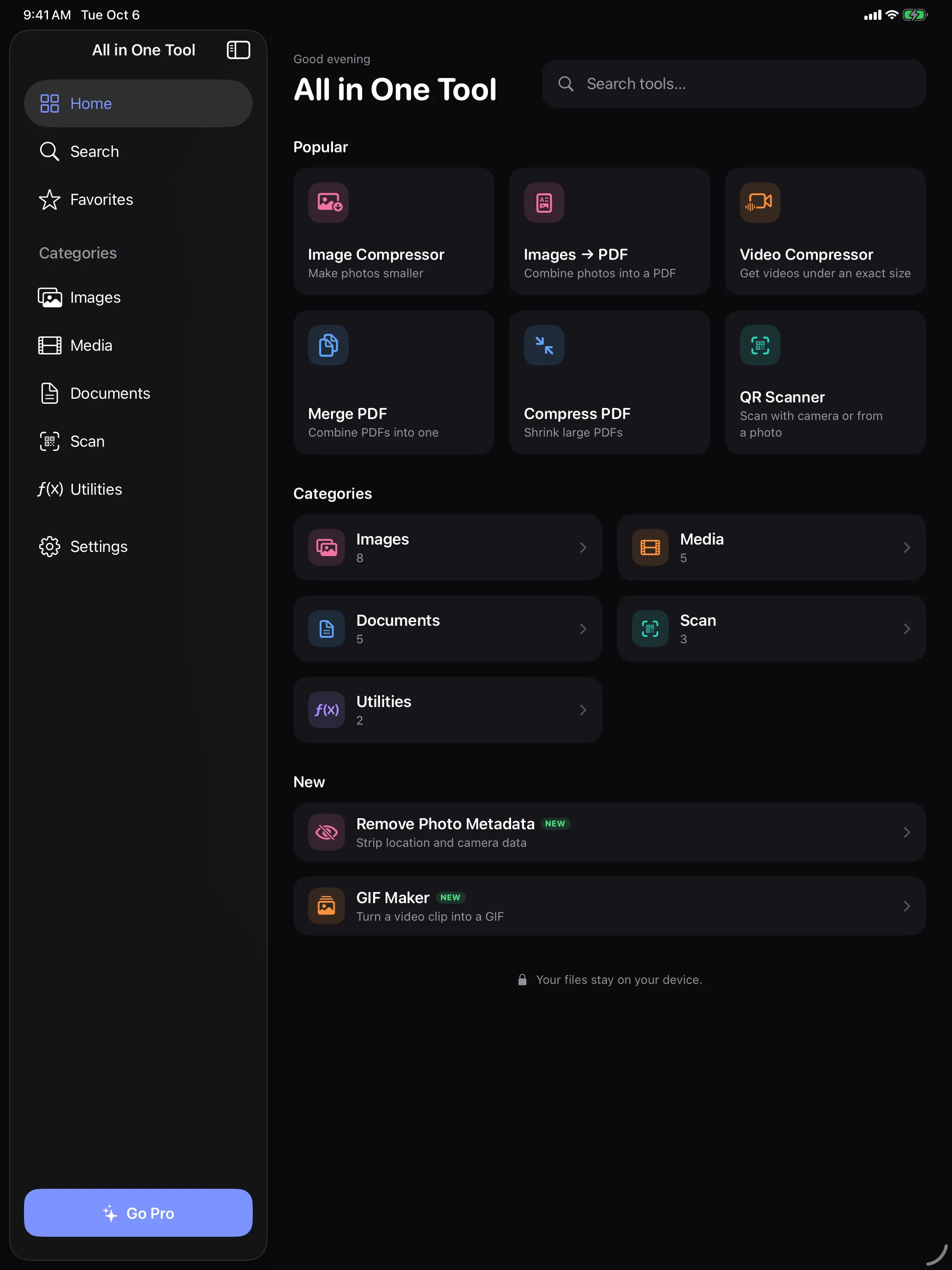
Designed to adapt beautifully from your phone to your tablet.
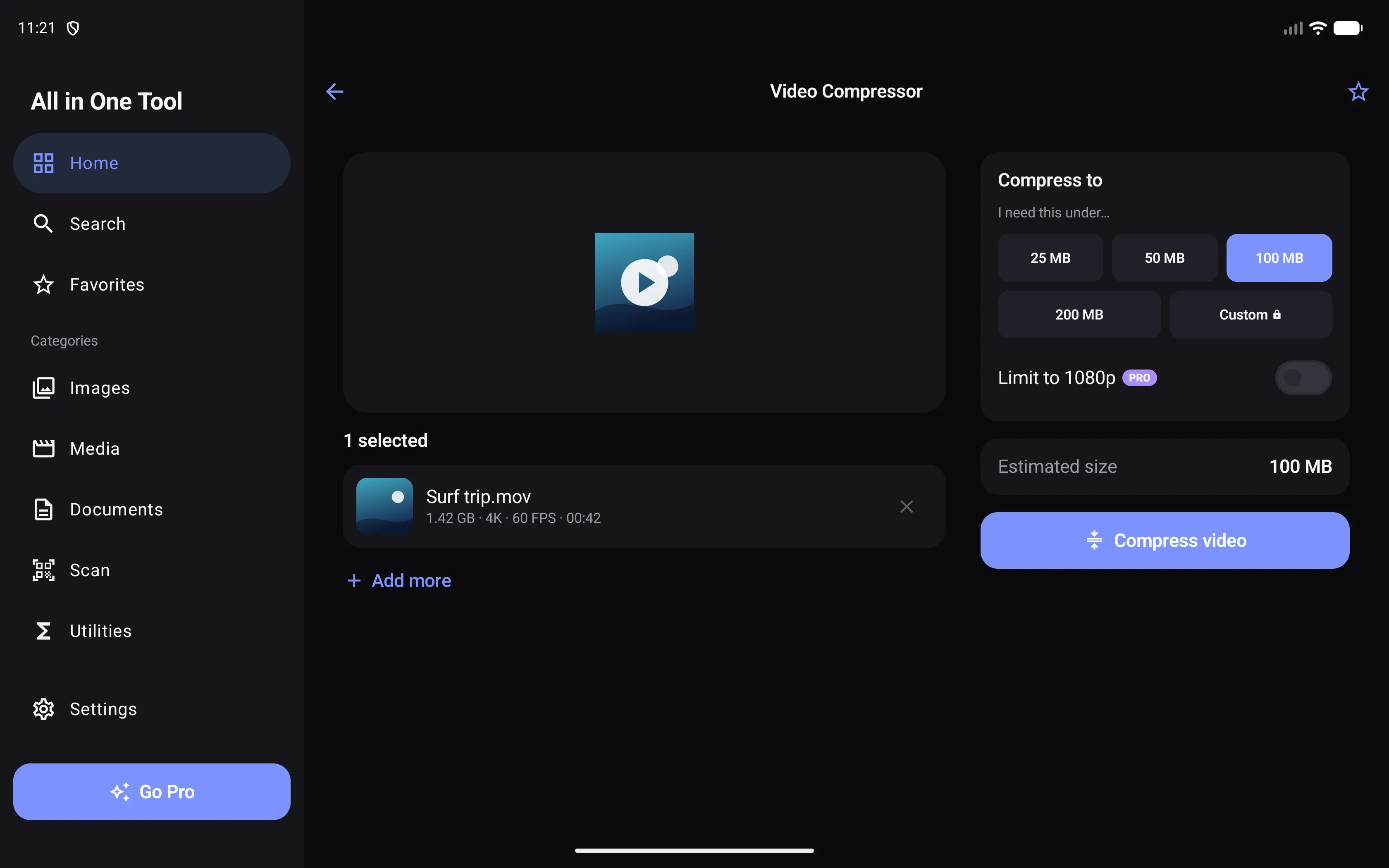
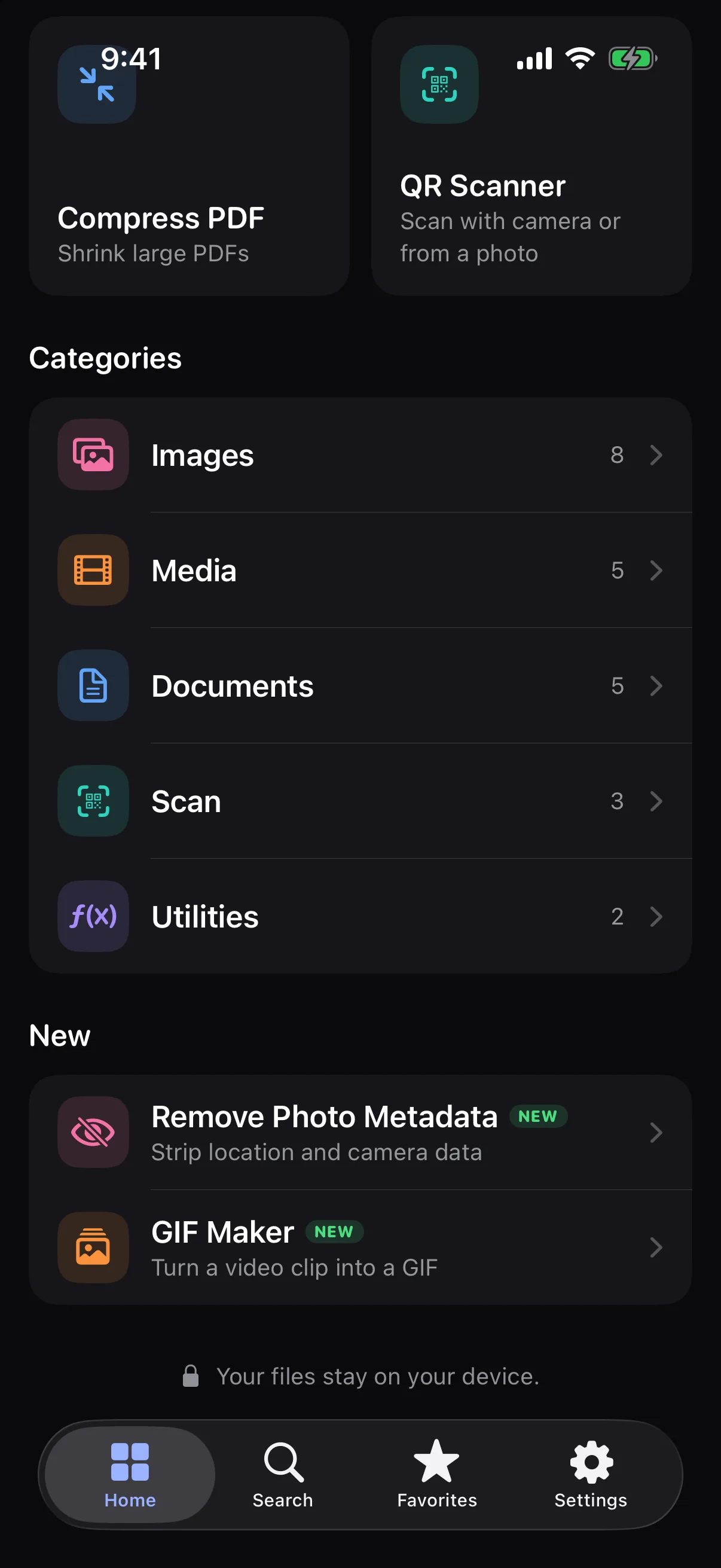
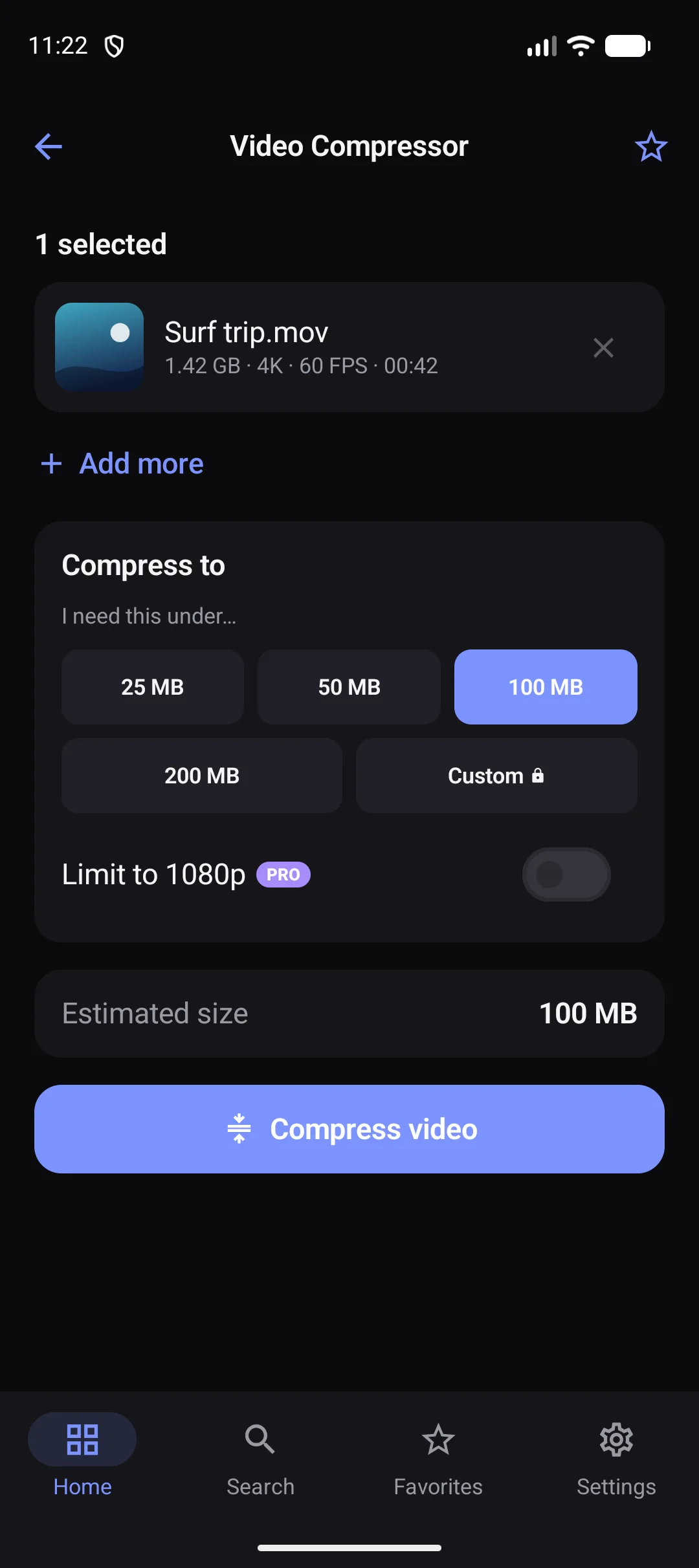
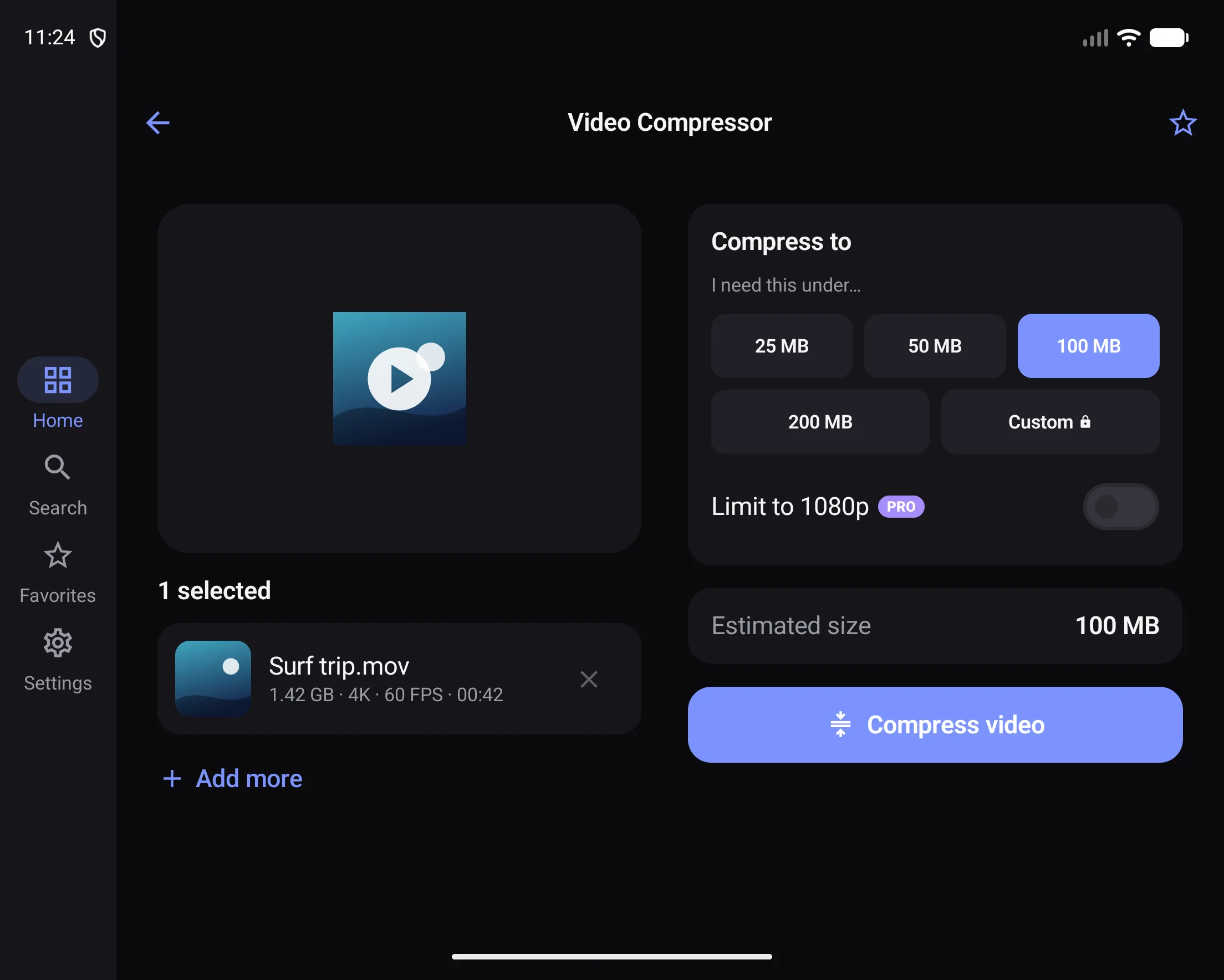
Layouts respond to the space they have — not to a device model.
Rotate or resize the window; your place and your selected files stay put.
Tablets get a sidebar or rail and side-by-side preview and controls.
iOS feels like iOS. Android feels like Android.
FAQ
All in One Tool is a single app with 23 everyday tools for images, video, audio, PDFs, QR codes and barcodes, and quick utilities. It runs on iPhone, iPad and Android.
Yes. Compressing, converting, merging, scanning and the other file tools all run on your device without a connection. A connection is only needed for ads in the free version and for purchases.
No. Your files are processed on your device and aren’t sent to our servers — we don’t run any file-processing servers. The free version shows ads from Google AdMob, which may collect device and usage information according to your consent choices; AdMob never receives your files. Pro removes ads.
23 tools: image compressor, resizer and converter, image to PDF, EXIF viewer and metadata remover, video compressor and trimmer, video to audio, audio converter, GIF maker, PDF merge, split, compress, rotate and PDF to images, QR and barcode scanner, QR generator, unit converter, and a calculator.
Yes. Every tool is free to use. The free version supports up to 3 files per batch (5 when merging or combining), the standard size targets, and shows ads between tasks.
No ads, unlimited batch processing and merging, custom exact-size compression, and 4K and advanced export options.
Yes. On iPad you get a persistent sidebar, multi-column layouts and side-by-side preview and controls, and the app adapts to resizable windows.
Yes. On tablets and large windows the app switches from a bottom bar to a navigation rail or permanent drawer, and tools show preview and controls side by side.
Yes. Select several files and process them as a queue with per-file progress, cancel and retry. Free supports up to 3 at once; Pro is unlimited.
Open Settings and tap Restore Purchases. It restores Pro from your App Store or Google Play account.
Your everyday tools, finally in one place.
Download for iPhone & iPad · Get it on Android