Image Compressor
Make photos smaller without the guesswork — pick a quality, or tell it the size you need.
Pro option: Custom target size. Everything else is free.
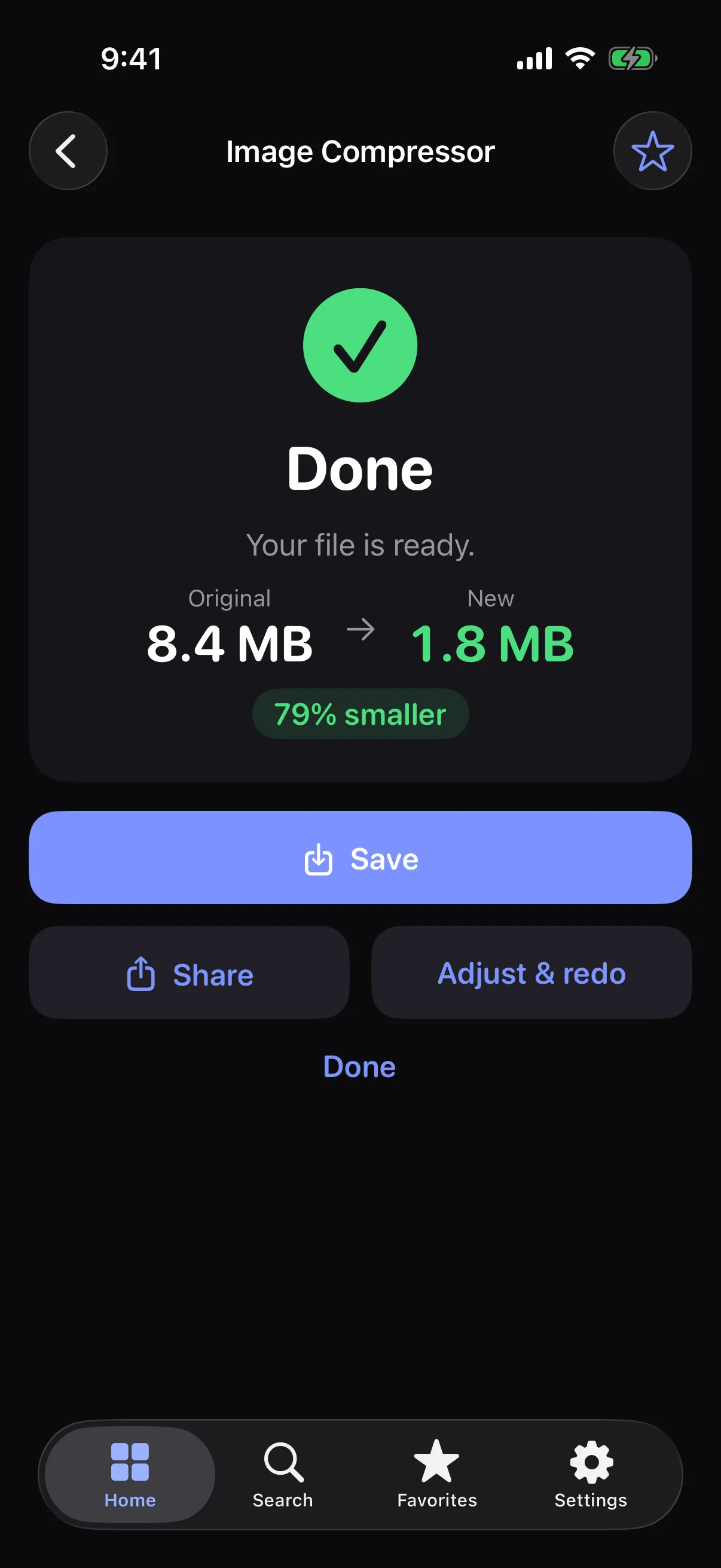
How it works
- 1
Choose photos from your library or Files.
- 2
Pick a quality, or set a target such as 1 MB.
- 3
Save or share the smaller copy.
Highlights
- Quality slider or exact-size mode
- JPG and HEIC output
- Optional EXIF details kept (JPG)
- Work on several photos at once
Supported formats
- Input
- JPG, PNG, HEIC and other photo formats your device supports
- Output
- JPG or HEIC (HEIC where your device supports it)
Custom target sizes beyond the presets are part of All in One Tool Pro.
Processed on your device — your files aren’t uploaded.
FAQ
Can I compress a photo to a specific size?
Yes. Exact-size mode searches for the best quality that fits under your target (for example 500 KB, 1 MB, 2 MB or 5 MB).
Are my photos uploaded?
No. Compression happens on your device.
Related tools
Get Image Compressor — and 22 more tools.
One app for your everyday file tasks. Free to try.