PDF Merger
Combine PDFs into one clean document — and set the order yourself.
Pro option: Merge more than 5 files. Everything else is free.
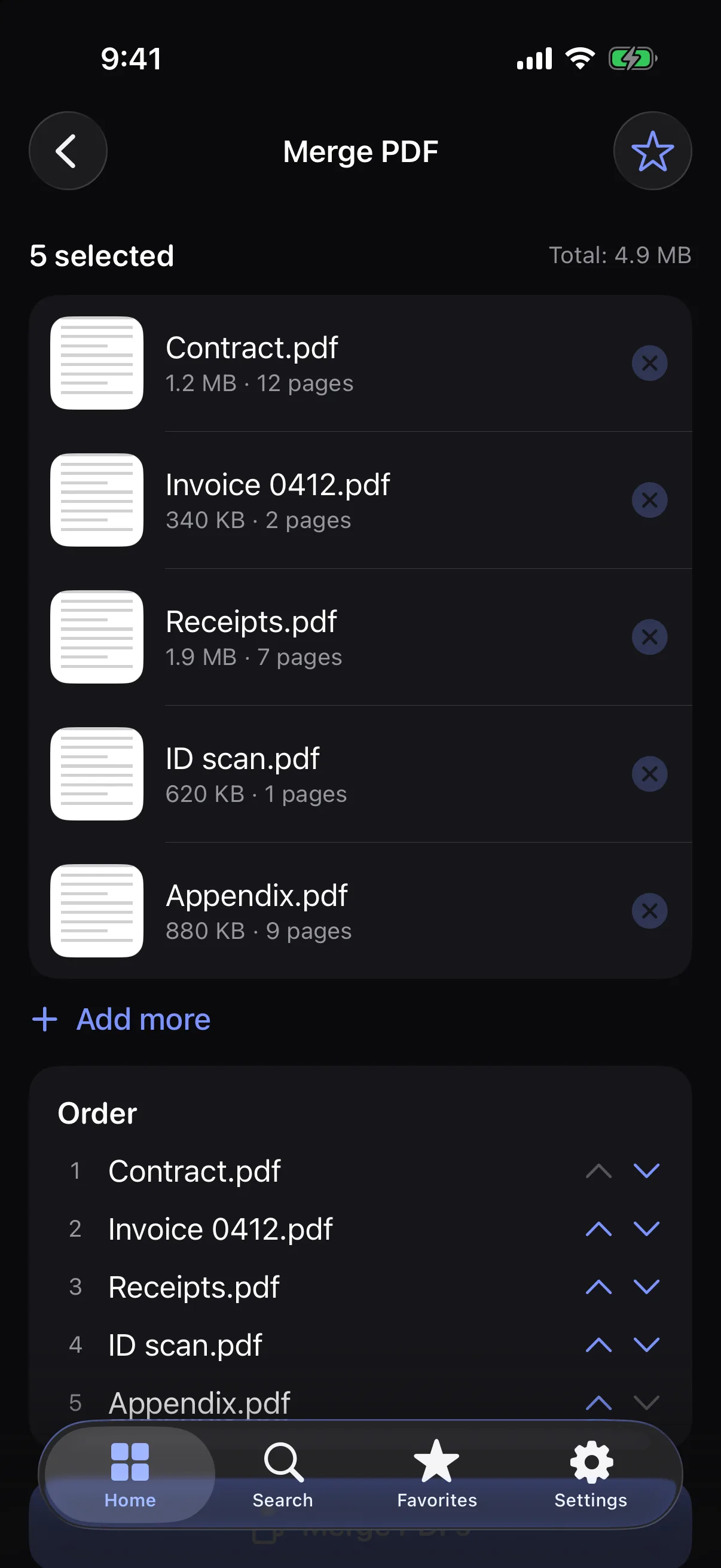
How it works
- 1
Add two or more PDFs.
- 2
Reorder them with the arrows.
- 3
Merge and share the result.
Highlights
- Reorder before merging
- Text stays selectable — pages are copied, not flattened
- Page counts and sizes at a glance
- Done on your device
Supported formats
- Input
- PDF (not password-protected)
- Output
Processed on your device — your files aren’t uploaded.
FAQ
How many PDFs can I merge?
Free: up to 5 at a time. Pro: unlimited.
Does merging keep selectable text?
Yes. Pages are copied across as they are.
Can I merge a password-protected PDF?
Not yet. Protected files are rejected with a clear message.
Related tools
Get PDF Merger — and 22 more tools.
One app for your everyday file tasks. Free to try.