QR Code Generator
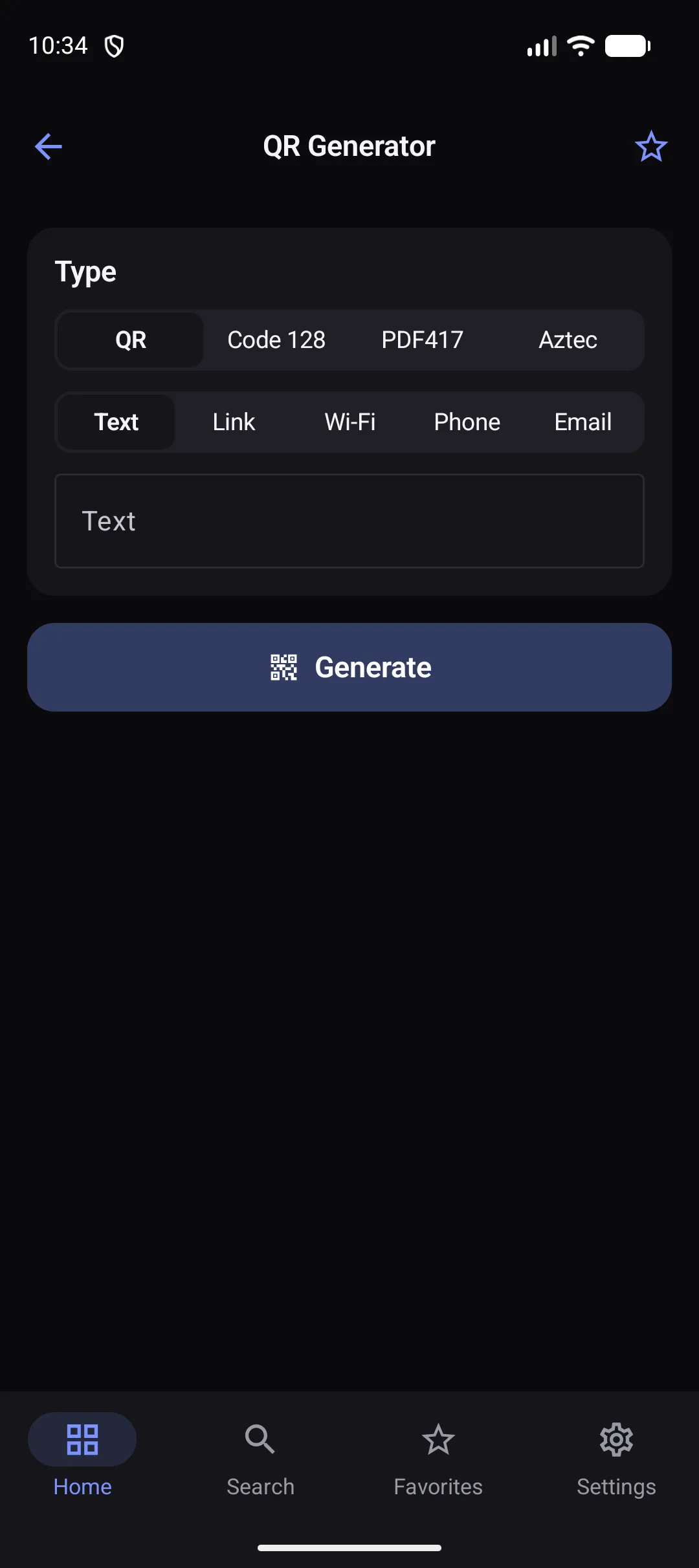
Create a QR code in seconds — for a link, your Wi-Fi, a phone number and more.
How it works
- 1
Pick a type: text, link, Wi-Fi, phone or email.
- 2
Enter the details.
- 3
Save or share the code as a PNG.
Highlights
- Wi-Fi codes people can scan to join
- Also Code 128, PDF417 and Aztec barcodes
- High-resolution PNG output
- No account, no watermark
Supported formats
- Input
- Text, links, Wi-Fi details, phone numbers, email addresses
- Output
- PNG image
Processed on your device — your files aren’t uploaded.
FAQ
Does the code expire?
No. The code contains your data directly; nothing is hosted or tracked.
Is there a size limit?
QR codes hold a few thousand characters; the app tells you if your text is too long.
Related tools
Get QR Code Generator — and 22 more tools.
One app for your everyday file tasks. Free to try.