Word Counter
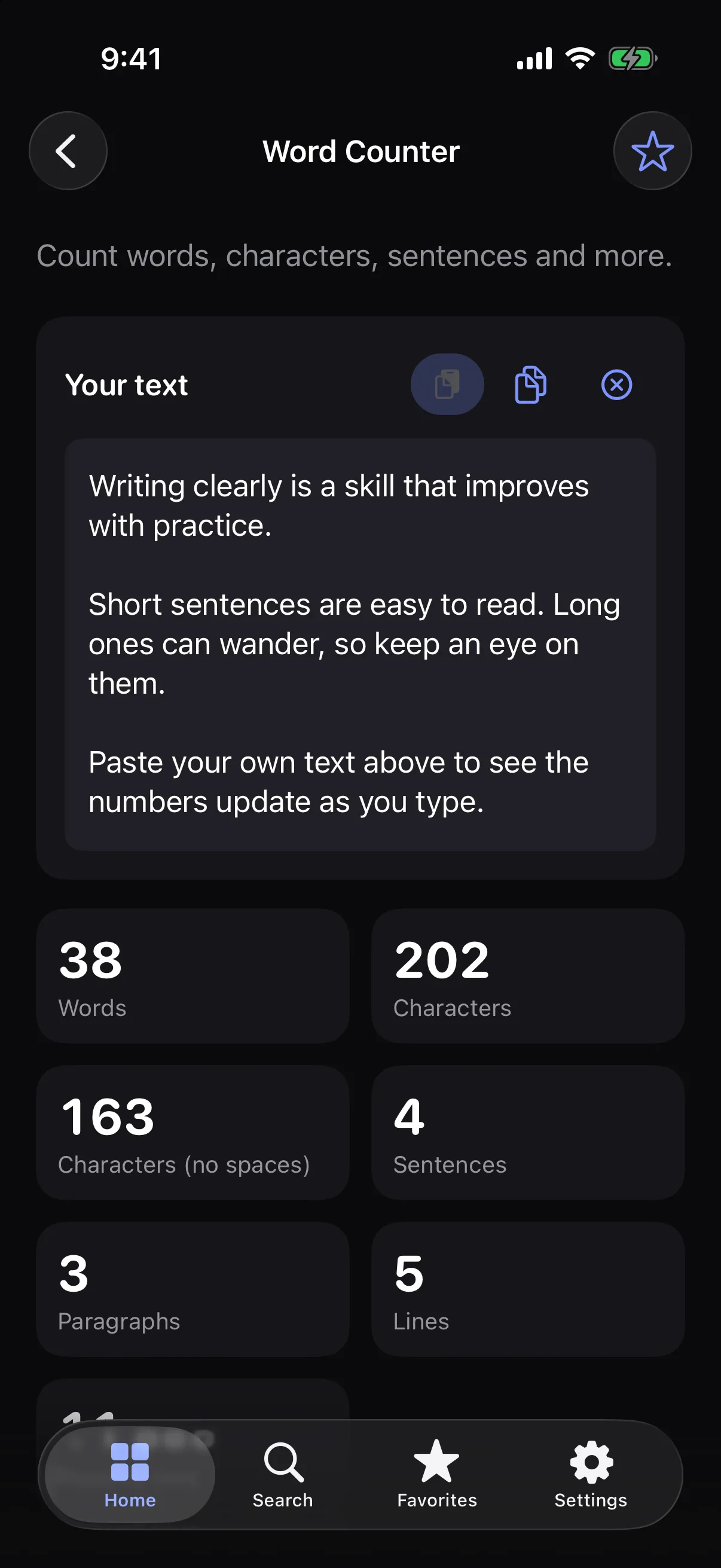
Count words, characters, sentences, paragraphs and lines as you type.
How it works
- 1
Type or paste your text.
- 2
Watch the counts update instantly.
- 3
Copy your text or clear it and start again.
Highlights
- Words, characters and characters without spaces
- Sentences, paragraphs and lines
- Estimated reading time
- Handles emoji and languages such as Vietnamese
Supported formats
- Input
- Plain text you type or paste
- Output
- On-screen counts (nothing is saved or uploaded)
Processed on your device — your files aren’t uploaded.
FAQ
How are words counted?
With the system’s language-aware word detection rather than by splitting on spaces, so extra spaces, punctuation, new lines and emoji don’t inflate the count.
Does my text leave the device?
No. Counting happens on your device.
Is there a length limit?
There is no fixed limit. Very long texts are analysed in the background so typing stays smooth.
Related tools
Get Word Counter — and 35 more tools.
One app for your everyday file tasks. Free to try.