Character Counter
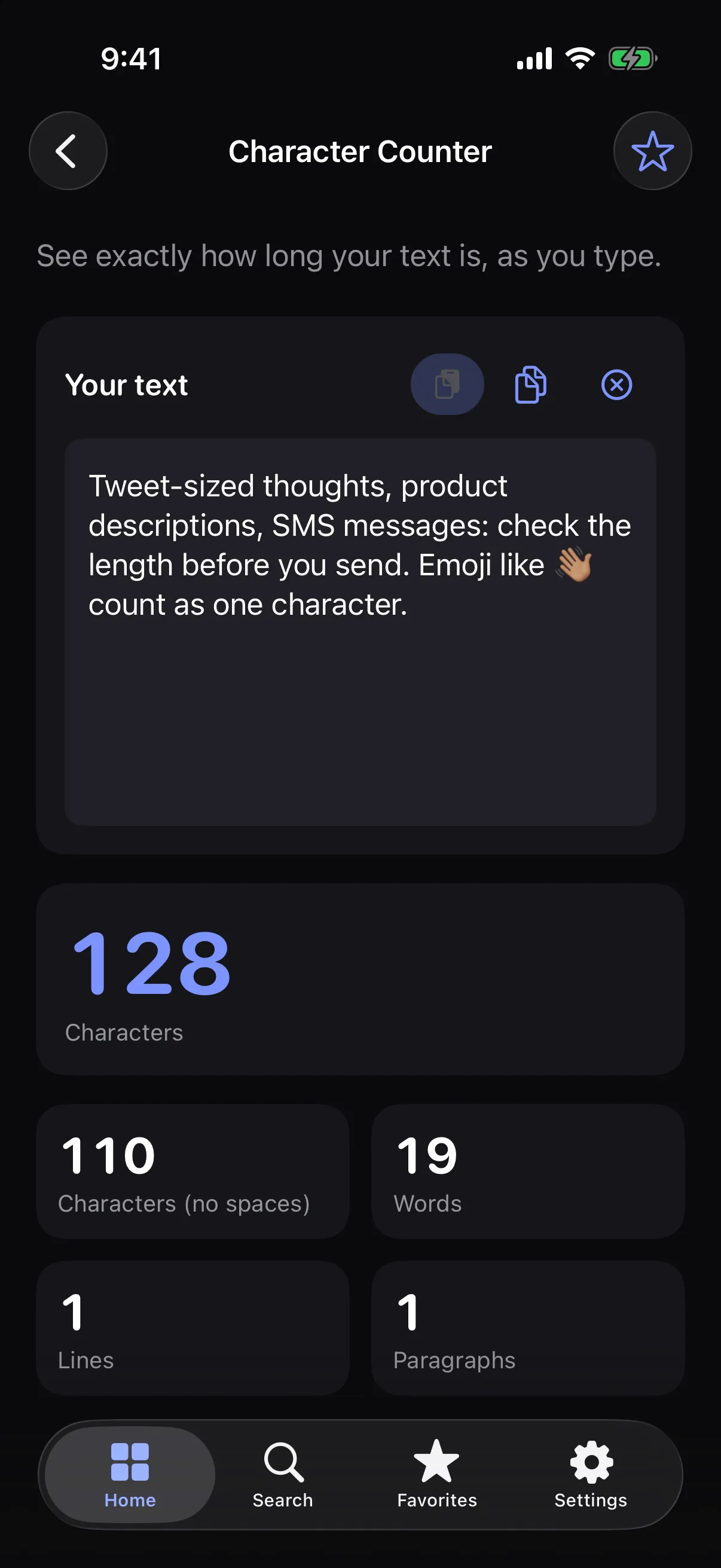
See exactly how many characters your text has, with and without spaces.
How it works
- 1
Type or paste your text.
- 2
See the character count update live.
- 3
Check the count without spaces, plus words, lines and paragraphs.
Highlights
- Characters with and without spaces
- Words, lines and paragraphs
- Counts emoji as one character, the way you see them
- Fast on long text
Supported formats
- Input
- Plain text you type or paste
- Output
- On-screen counts
Processed on your device — your files aren’t uploaded.
FAQ
Does an emoji count as one character?
Yes. Characters are counted the way people see them, so an emoji counts once.
Can it help with limits like SMS or social posts?
It tells you exactly how long your text is, so you can compare it with any limit. It doesn’t include built-in limits for specific services.
Related tools
Get Character Counter — and 35 more tools.
One app for your everyday file tasks. Free to try.