Text Cleaner
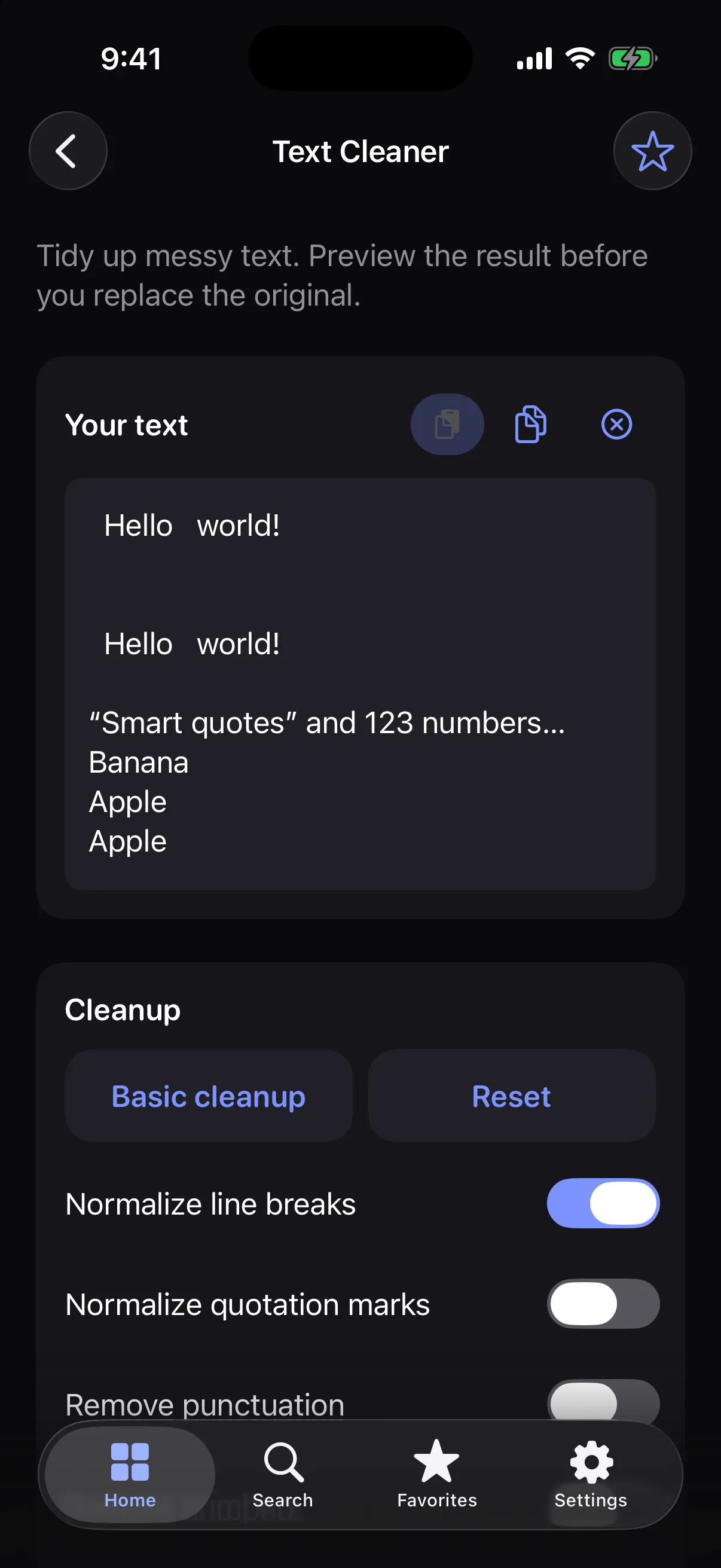
Tidy messy text: extra spaces, blank lines, duplicates and more, with a preview first.
How it works
- 1
Paste your text.
- 2
Switch on the clean-up steps you want.
- 3
Check the preview, then replace your text or copy the result.
Highlights
- Remove extra spaces, empty lines and duplicate blank lines
- Trim lines and normalize line breaks and quotation marks
- Remove duplicate lines, punctuation or numbers
- Sort lines A to Z or Z to A
- See the result before anything changes
Supported formats
- Input
- Plain text you type or paste
- Output
- Cleaned text
Processed on your device — your files aren’t uploaded.
FAQ
Can I undo a clean-up?
Nothing changes until you tap Replace original. After that the original is gone, so copy it first if you want a backup.
Is there a quick option?
Yes. Basic cleanup switches on the most common steps: extra spaces, trimming, duplicate blank lines and line breaks.
Related tools
Get Text Cleaner — and 35 more tools.
One app for your everyday file tasks. Free to try.