Duplicate Text Finder
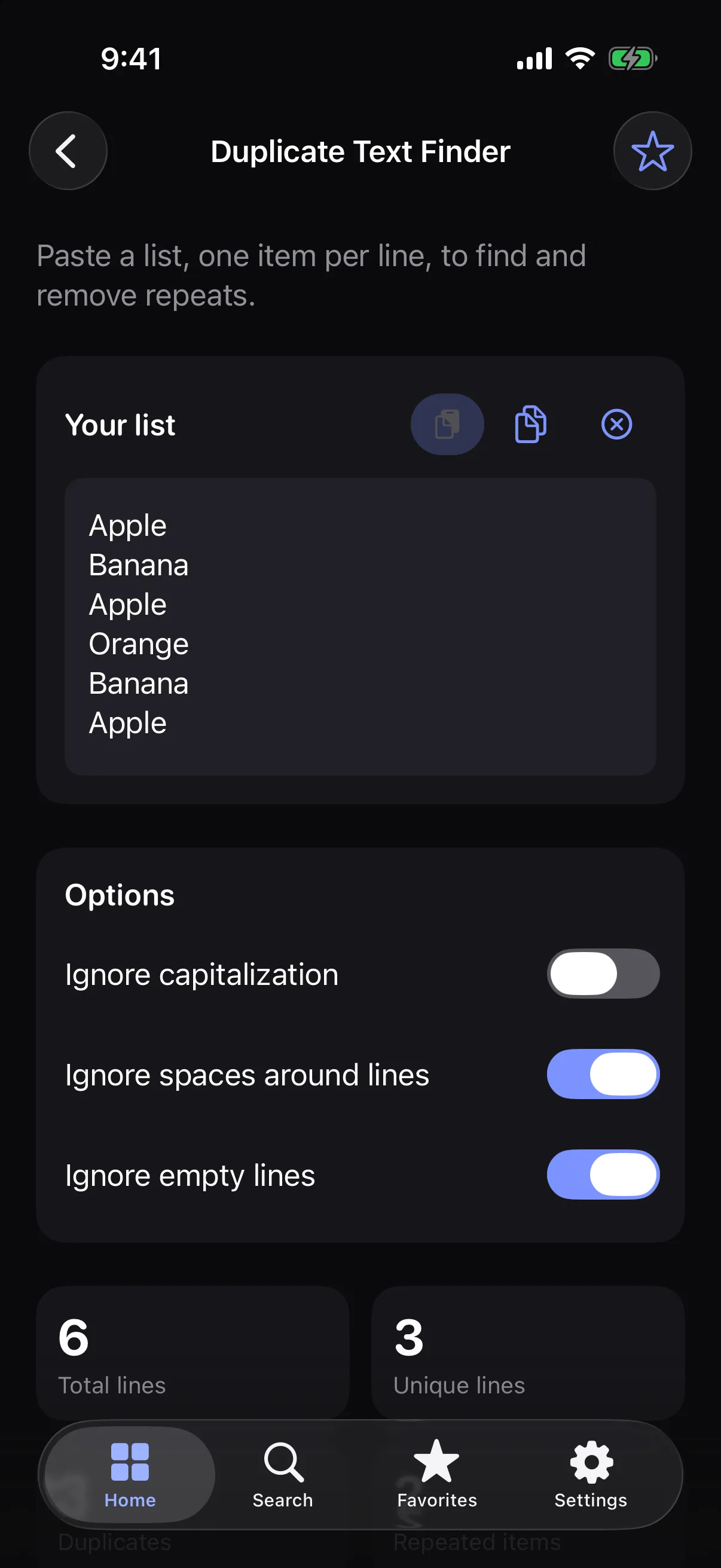
Paste a list and find the lines that repeat, then remove the extras.
How it works
- 1
Paste your list, one item per line.
- 2
See how many times each line appears.
- 3
Keep the first or the last occurrence, or copy the results.
Highlights
- Counts for every line, such as “Apple — 2”
- Keep the first or the last occurrence
- Ignore capitalization and surrounding spaces if you like
- Sort by original order, most repeated or A to Z
- Undo the last removal
Supported formats
- Input
- A list with one item per line
- Output
- Counts, or the list without repeats
Processed on your device — your files aren’t uploaded.
FAQ
Does removing duplicates change the order?
No. The lines that remain stay in their original order.
Are blank lines treated as duplicates?
Not by default. Empty lines are ignored unless you switch that option off.
Related tools
Get Duplicate Text Finder — and 35 more tools.
One app for your everyday file tasks. Free to try.